Chat that remembers
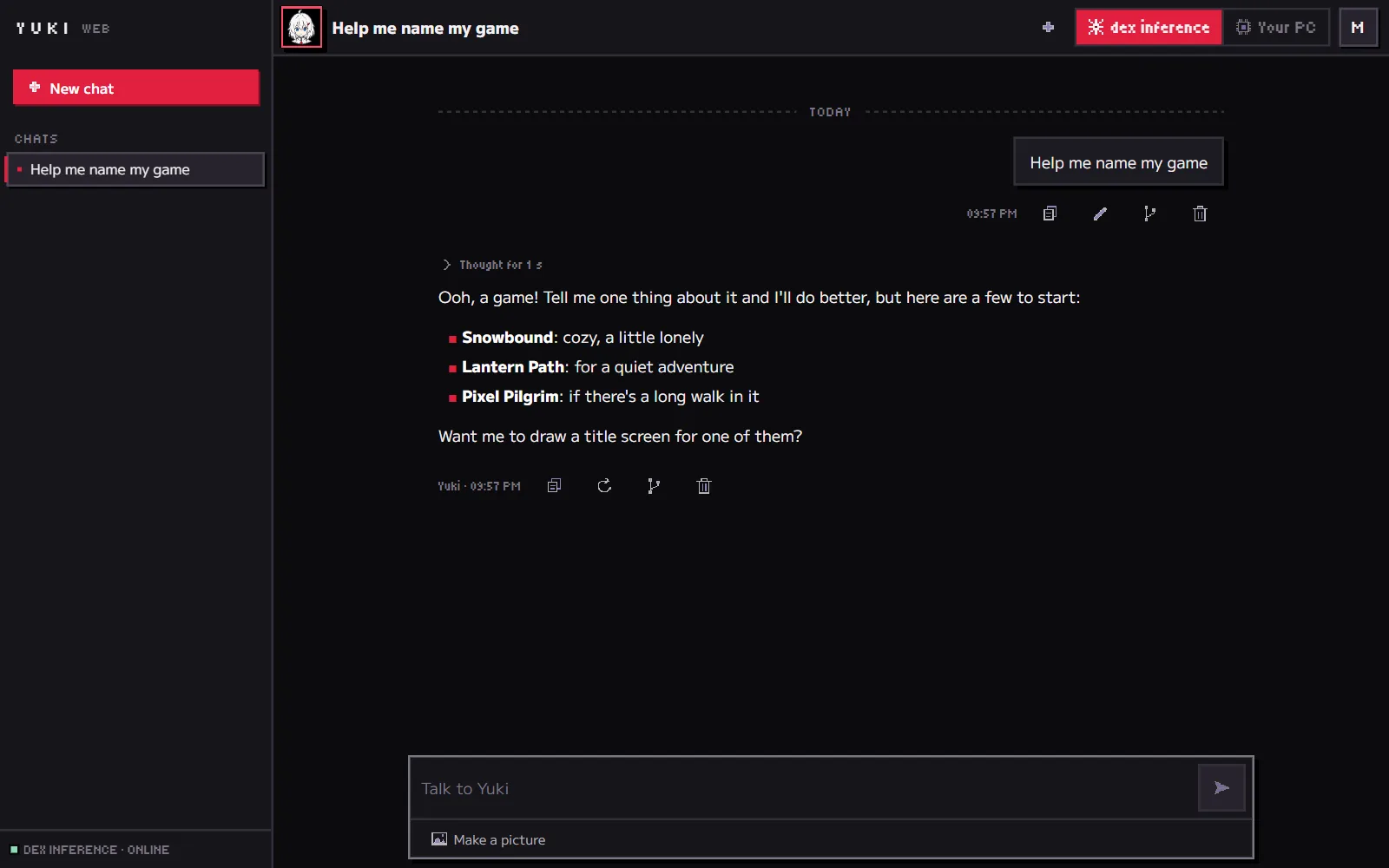
Talk about anything, any time. Your chats stay saved, and in the desktop app she keeps notes about you that you can read and edit.
Talk with her in your browser or on your own PC. She keeps up with you, draws what you ask for, and gets real things done on your computer.
Free to start. Sign in with Discord, GitHub or Google.
Welcome back! You’re signed in.
One Yuki, everywhere you are. No settings to learn: just talk.
Talk about anything, any time. Your chats stay saved, and in the desktop app she keeps notes about you that you can read and edit.
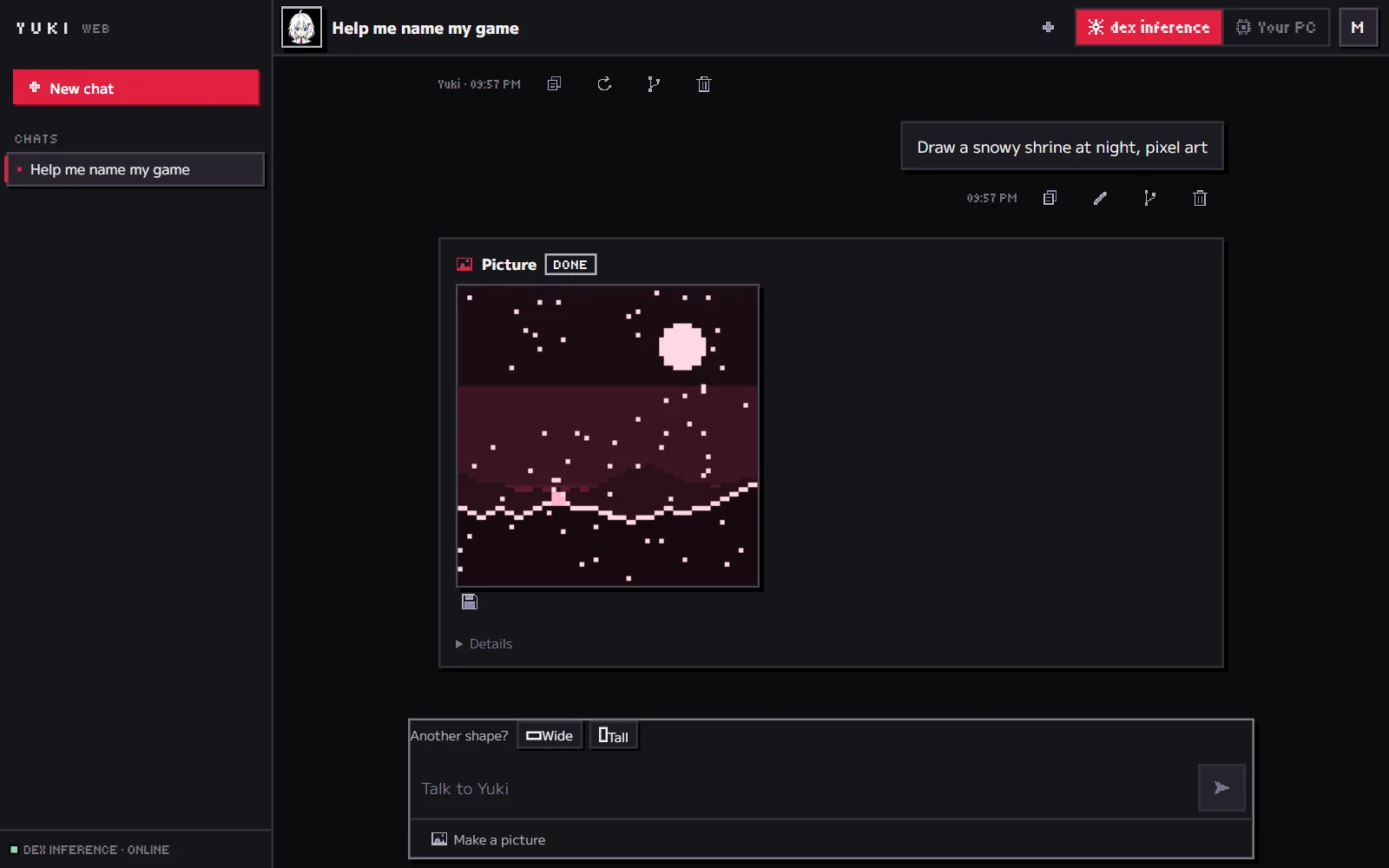
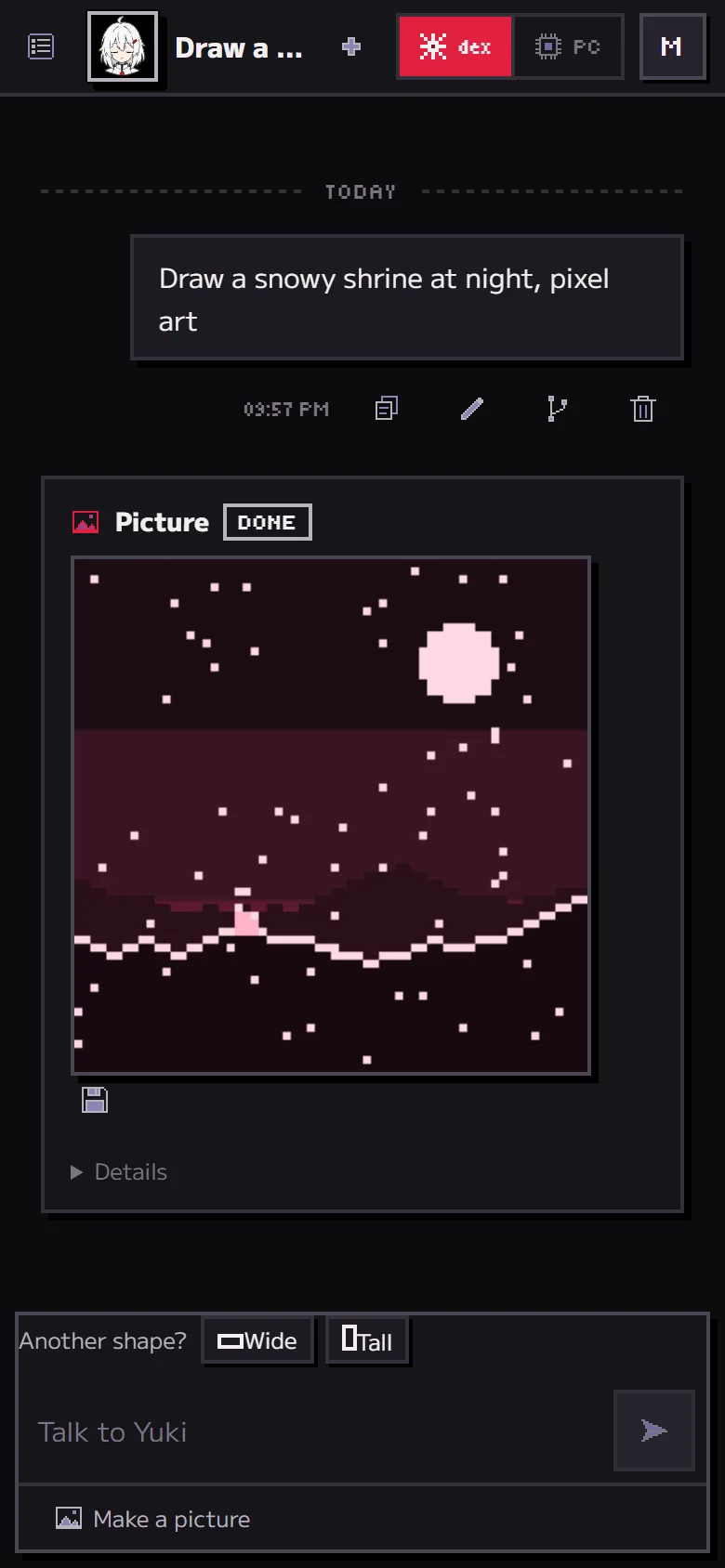
Say “draw a snowy shrine at night” and she draws it. Want it wide, square or tall? One tap and she draws it again.
The YUKI app for Windows runs her on your own graphics card. She picks a brain that fits, works offline, and helps with files and real tasks.
In the app, every brain she can use is a card: ones that run on your PC and free ones from around the web. Keep the best in your hand.
Real screens from YUKI on the web, with sample chats.
 Her brain on this PC
 Pictures on this PC
 A free brain from the web
Start free. Upgrade when you want more, cancel any time.
Try her out.
$0$0
For everyday chats.
$6.99/month$69.99/year
For making lots of things.
$14.99/month$149.99/year
Everything, plus the app.
$29.99/month$299.99/year
Ko-fi takes PayPal, month by month. After you join, link your Ko-fi email in YUKI and your plan switches on.
Pay by card or with PayPal on Ko-fi. Your plan goes on your dex account.
Yearly plans (12 months for the price of 10) open with card checkout, soon.
* As much as you like, within fair use: nobody gets cut off, and when it’s very busy, heavy use waits a moment in line.
$19 once, yours to keep
Her brain runs on your own PC: no subscription, and it works offline once it’s set up. Included with Pro.
Chatting with Yuki and asking for pictures on the web, every day, within a daily limit. No card needed. Today’s YUKI for Windows (0.2) is free to download too; from 0.3 the app is $19 once, or included with Pro.
Yes. Your chats on the web are saved in your browser, not on our servers. Each message goes to a PC whose owner agrees not to keep it. No ads, no tracking, nothing sold. The desktop app keeps everything on your PC.
Yes. If something didn’t work, email saniczlord@gmail.com within 14 days of a payment and you get your money back. The same goes for the desktop app if it can’t run a brain on your PC.
Yes. Cancel on Ko-fi (or from your receipt, if you paid by card) whenever you like. Your plan stays on until the end of the time you paid for.
Windows 10 or 11, 64-bit. YUKI checks your PC and picks a brain that fits it. A laptop with a 6 GB graphics card and 16 GB of memory runs her; a bigger card makes her quicker and smarter. If she can’t run on yours, you get a refund.
Yuki runs on graphics cards lent by Dex and a few trusted friends, who agree not to keep or look at what you send. When they’re all asleep, the app says so, and the desktop app still works.